Canvas Window
Creating a new GLCanvas object will open a new canvas window 800 by 600 pixels.
GLCanvas canvas = new GLCanvas();
Use named parameters!
There are many optional parameters of a canvas window, many more than you likely care about. To input only the parameters which are important to you, use the format of (paramater name): value. The following example will create a window of custome custome width, name, and back color.
GLCanvas canvas = new GLCanvas(900, title: "my fancy window", BackColor: Color.Red);
Once you have Initialised your canvas like the example above, a new window will emediatly pop up. If you would prefer to control when this happens, you can define your canvas on one line, but only initialse it when you would like it to apear.
The canvas window can be closed with the “.closed()” function.
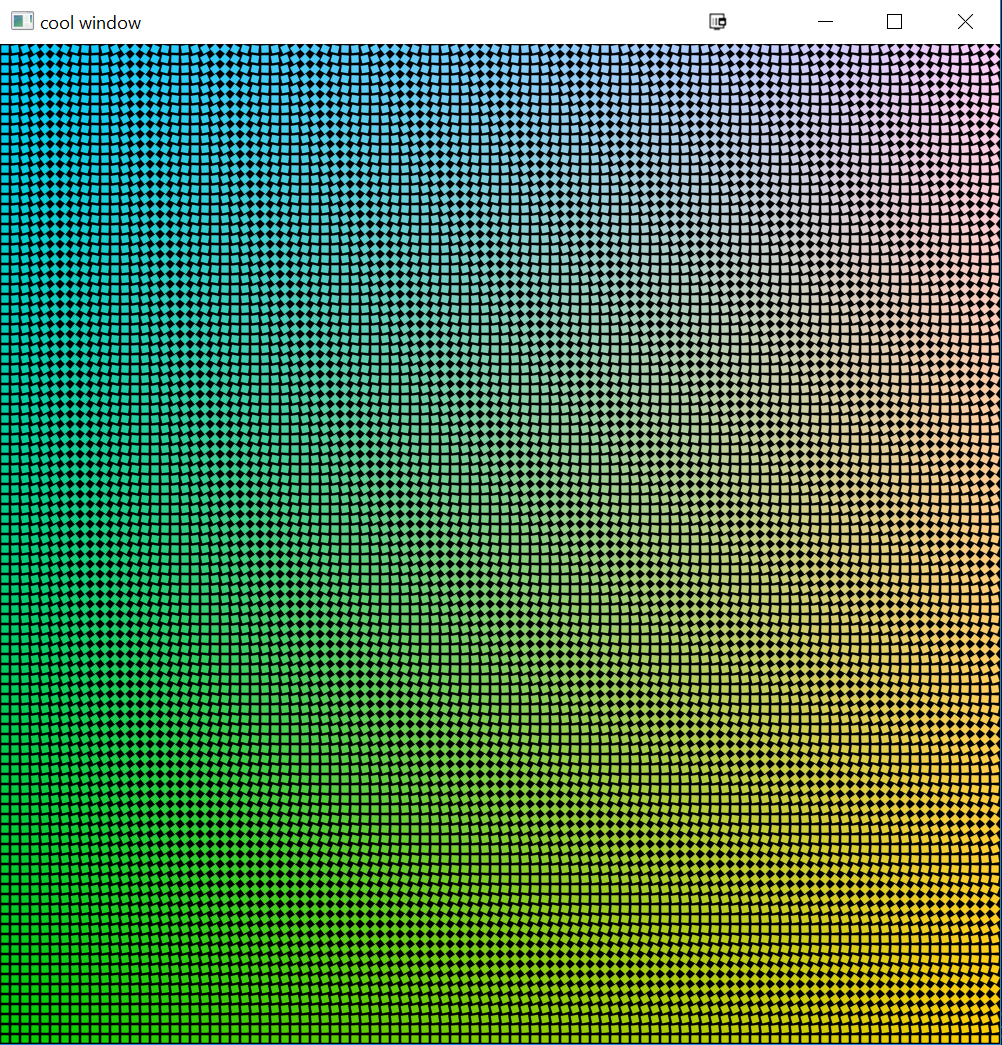
A standard canvas window with 10,000 rectangles