GameObjects
Want to try your hand at making a simple game? You can make one with GLDrawer.
The “Game Engine” in GLDrawer is collection of classes that contain more advanced feature that expand on the existing functionality of the canvas. In short, GameObjects are an abstract class that you can implement and add to the canvas. GameObjects can contain child shapes for drawing, as well as child GameObjects for complex parent/child transform relationships like the example below. GLDrawer’s game features are closely modeled after the Unity engine, so if you’re familiar with it, you should feel right at home.
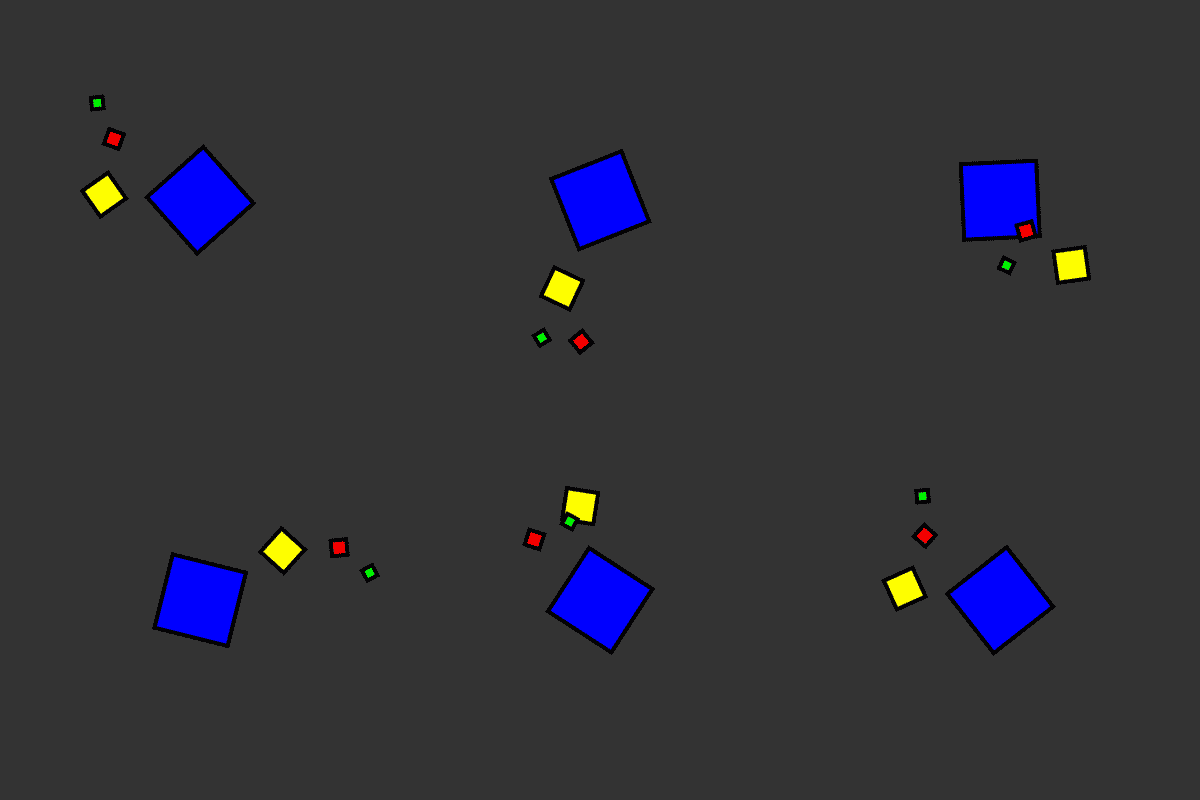
The orbiting demo above might seem intimidating at first glance, but the use of GameObjects makes it simple. Creating it using nothing but shapes requires an understanding of matrix operations and how they relate to transformations. Fortunately GLDrawer efficiently implements this math and exposes it an simple to use way.
All four of the GameObjects simply contain one child Polygon, and one parent/child GameObjects. The GameObjects are given an initial position, then for every frame, each GameObjects rotation value is incremented slightly. Nothing else was done to achieve the effect. (see the demos on Github)