Shape Type Trivia
There are four different types of shapes that can be created with GLDrawer with six different construction options.
Rectangle
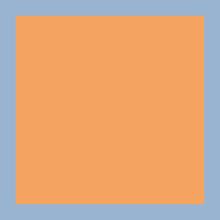
A “Rectangle” is just a Polygon with 4 sides. It has no special shape properties, but you can never go wrong with the fundamentals.
Ellipse
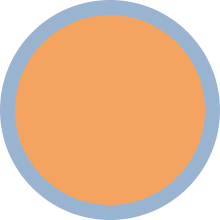
An Ellipse is also just a Polygon, this time with 1 Side. The difference in rendering is handled by the backend.
The only reason you see a circle instead of something else is because the shader running on your graphics processor knows when to draw round corners.
Polygon
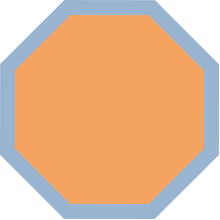
The two shape types above are polygons, but the Polygon type itself can be drawn with any number of sides. It is far less precise than the other shapes with more than 4 sides because the width and height of the polygon is dependant on the number of sides it has as well as its angle.
Any >4 sided Polygons will almost always be drawn slightly smaller than its width and height values.
Line
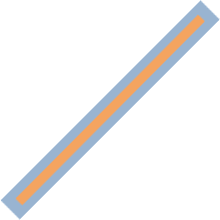
A Line is actually is not polygon, but it keeps one privately. The reason lines are usefull is because you can modify the start and end locations individually and the resulting position, scale, and angle of the resulting Rectangle are automatically calculated.
Sprite
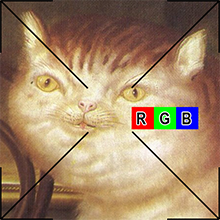
Unlike in GDIDrawer which requires you to set the back buffer pixel by pixel to create an image, a GlDrawer Sprite acts like a Rectangle you can show an image or animation with.
Sprites render just as quickly as the other shape types, and you can use them to make repeating textures in small games.
Sprites work with most image file types and transparency is supported.
Text

GLDrawer has the ability rasterize TrueTypeFont files. This means that with nothing but the font filepath, and a string of text, you can generate an image for every letter of the alphabet and have the letters appear in the same order as your string.